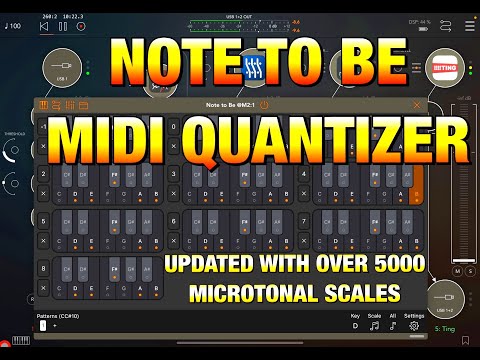
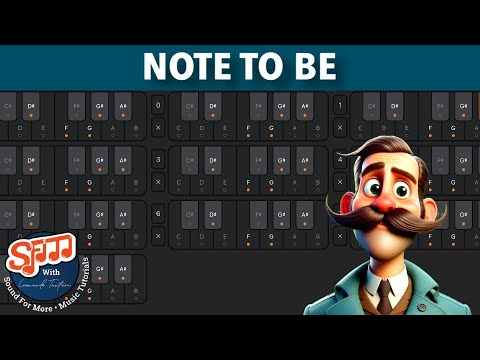
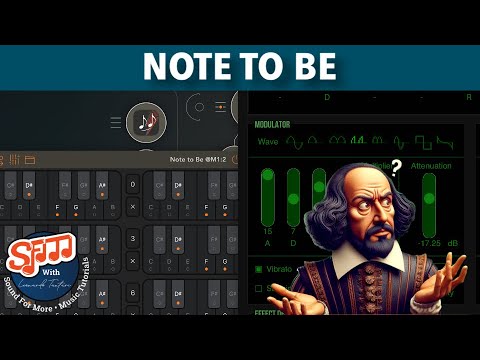
Pick the notes you allow
Pick a key and a scale, or select single notes on a keyboard.
Select notes in one octave, or in all octaves at once.
Incoming notes move to the nearest allowed note, or drop.
Keep note sets as patterns, and switch them with MIDI CC.
MIDI CC to notes
Turn on the CC converter, and each CC value plays a note.
The note is quantized to your allowed notes.
A new value replaces the note. Value 0 stops it.
Drive it from an LFO, a sequencer or a controller.
Microtonal with Scala files
Load one of 5,131 bundled Scala files, or import your own.
Notes get a pitch bend for the tuning.
MPE mode gives each note its own channel, so chords retune too.
Without MPE, each note keeps the channel it came in on.
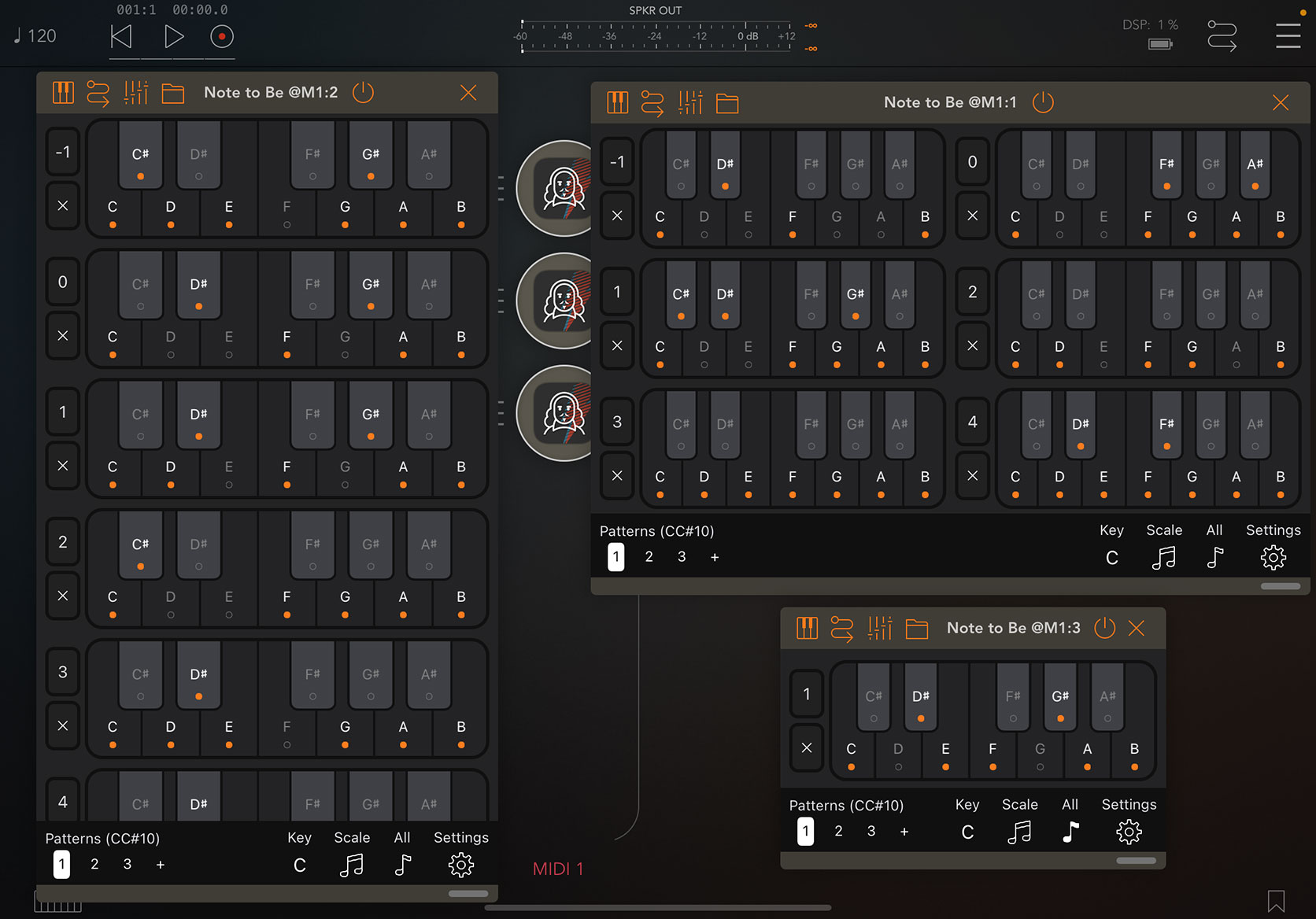
Note to Be in your AUv3 host
Load Note to Be as an AUv3 MIDI processor before a synth.
Supported in AUM, Loopy Pro, Logic Pro for iPad, Cubasis 3 and more.
Automate the pattern, key and scale.
Use your custom scales from ScaleBud 2, or follow BrainBud.
The host session saves the whole state.