Roll & Trance Gate DJ Effects
Create professional stutter, roll, reverse roll, and trance gate effects effortlessly.
Roll Mode repeats the selected beat length from the audio buffer for rhythmic stutters.
Trance Gate Mode applies rhythmic amplitude effects directly to the live signal.
Reverse your rolls for glitchy, chopped textures and creative sound design.
Invert the trance gate envelope for unique rhythmic effects and dynamic transitions.
Customizable & MIDI-Controlled XY Pad
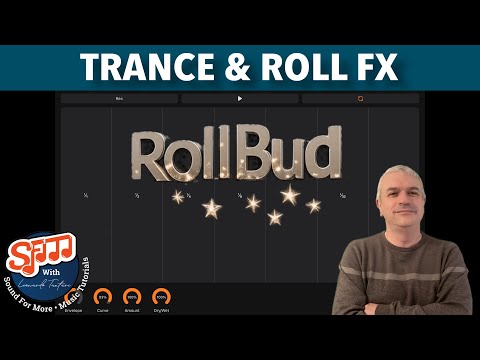
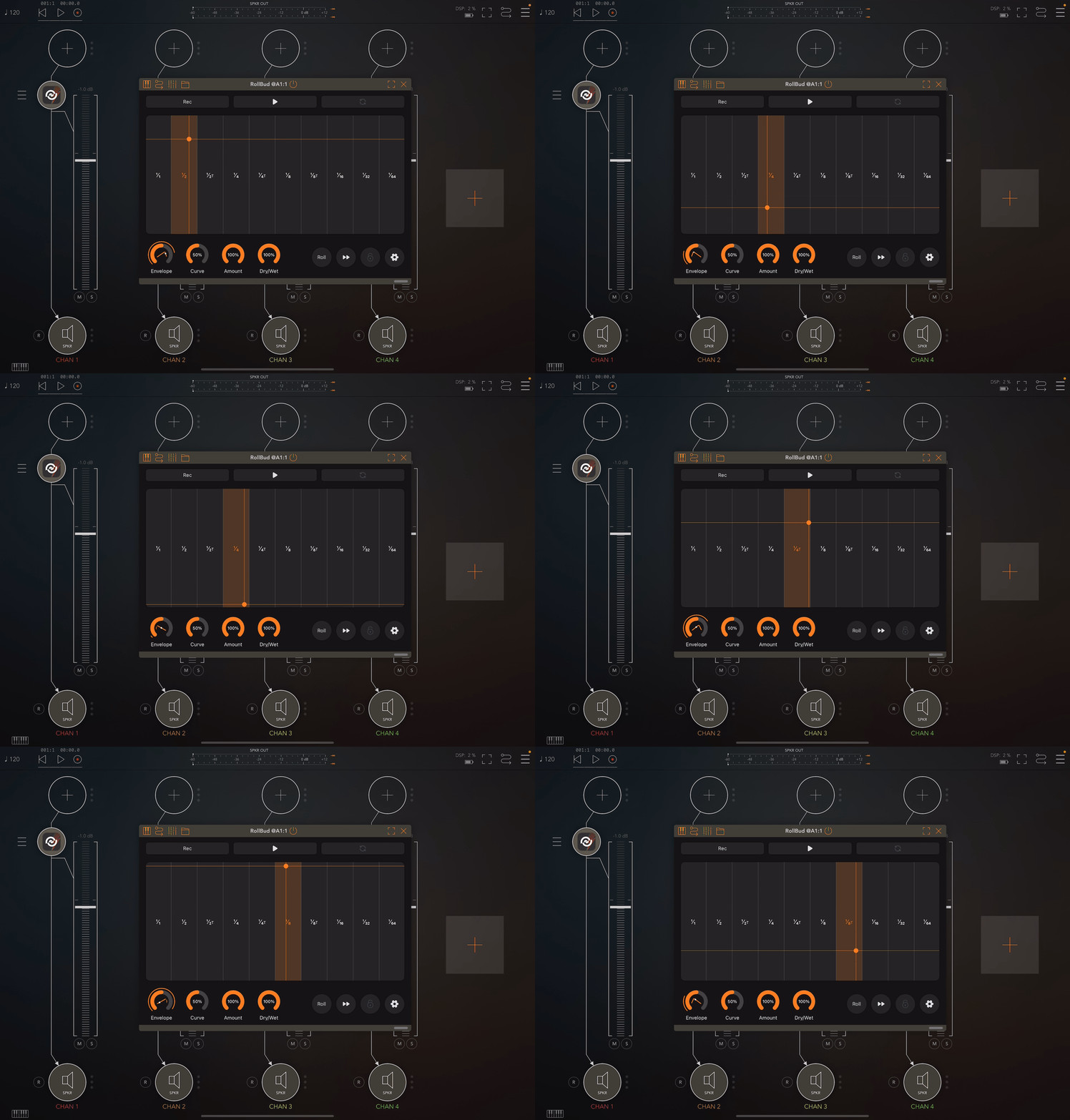
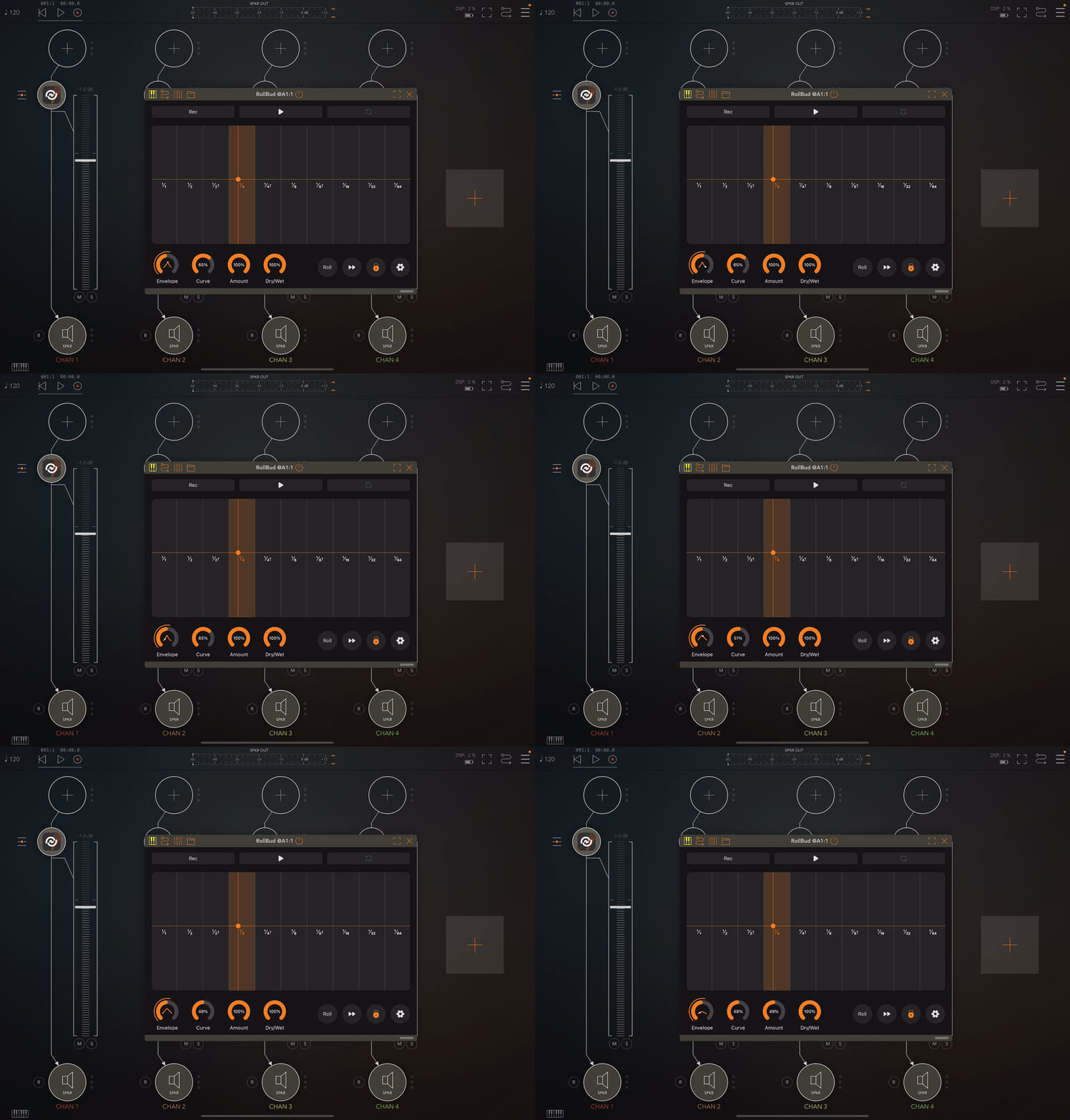
X-axis controls beat length selection for precise timing control.
Y-axis can control rise/fall ratio, envelope curve, effect amount, or be disabled entirely.
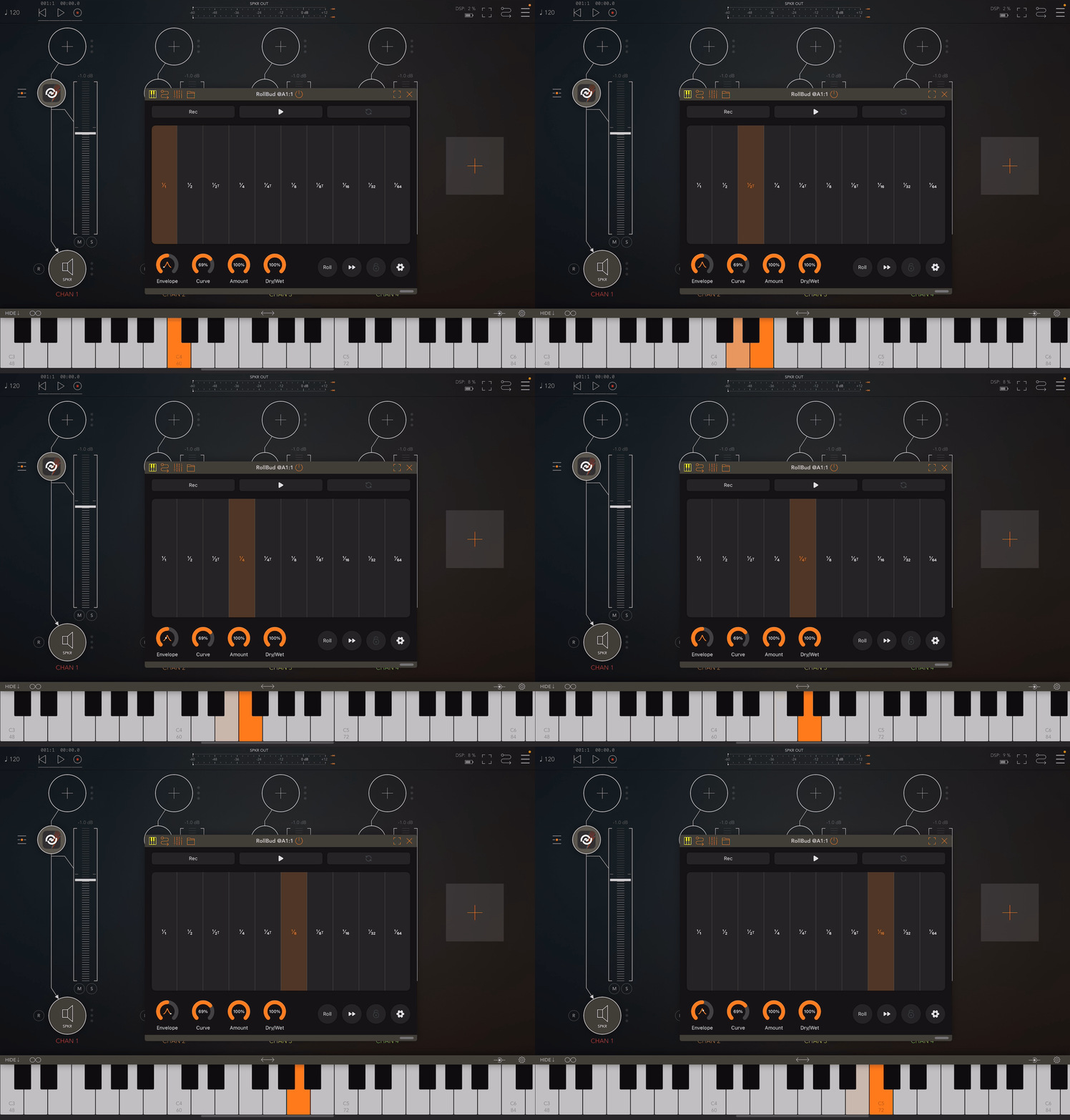
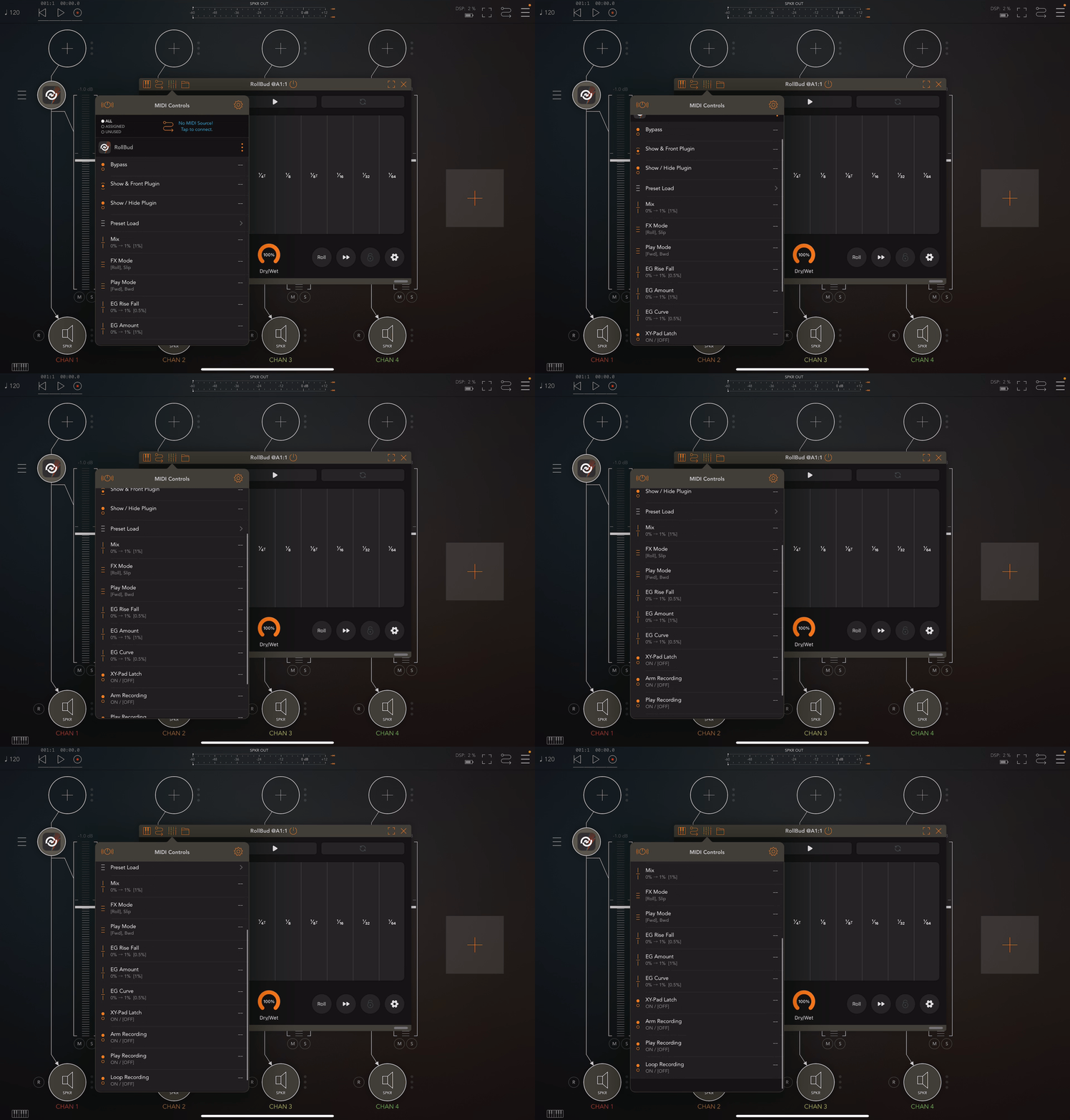
Fully MIDI controllable—trigger beats using any MIDI keyboard or sequencer.
Visual highlighting and mapping provide intuitive feedback for live performance.
Rise & Fall Envelope Control
Adjust rise & fall ratio for smooth or sharp rhythmic transitions.
Customize envelope curve shape: logarithmic, linear, or exponential for precise sound shaping.
Control the amount of envelope effect on the sound for subtle to dramatic results.
Works across both Roll & Trance Gate modes for seamless dynamic control.
Send envelope data as MIDI CC messages to control external parameters.
Record & Trigger Your Movements
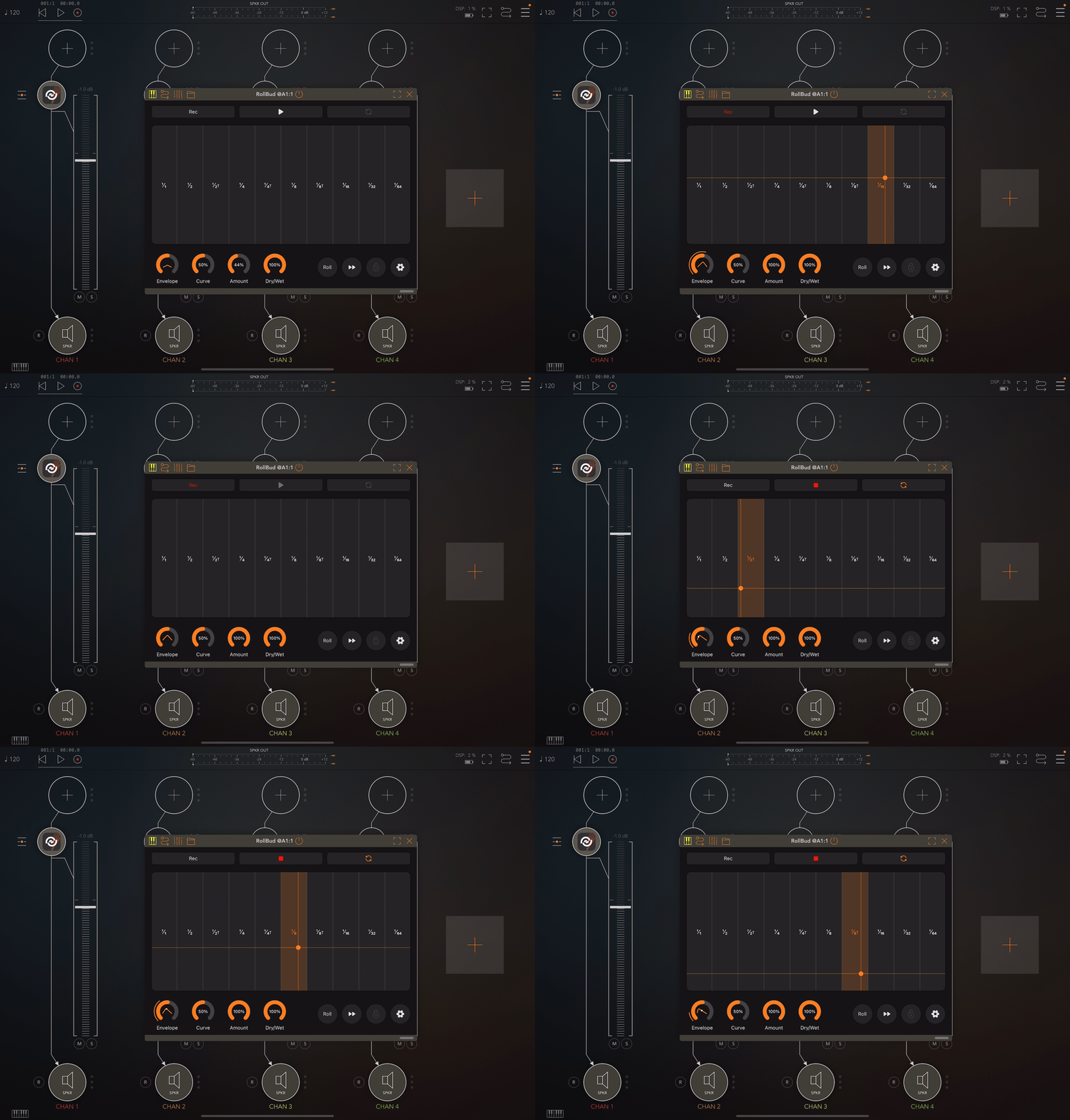
Capture XY Pad performances and replay them anytime for consistent results.
Save recordings to iCloud and manage them from the settings menu.
Assign MIDI notes and channels to trigger saved recordings instantly.
Choose between loop mode or one-shot playback for flexible performance options.
AUv3 FX Plugin
Use RollBud as an AUv3 plugin in AUM, Logic Pro, GarageBand, Cubasis, Loopy Pro, and more.
All parameters available as AU controls for full automation in your DAW.
Seamlessly integrates with your iOS music setup for both live performance and studio production.