See on Fretboard
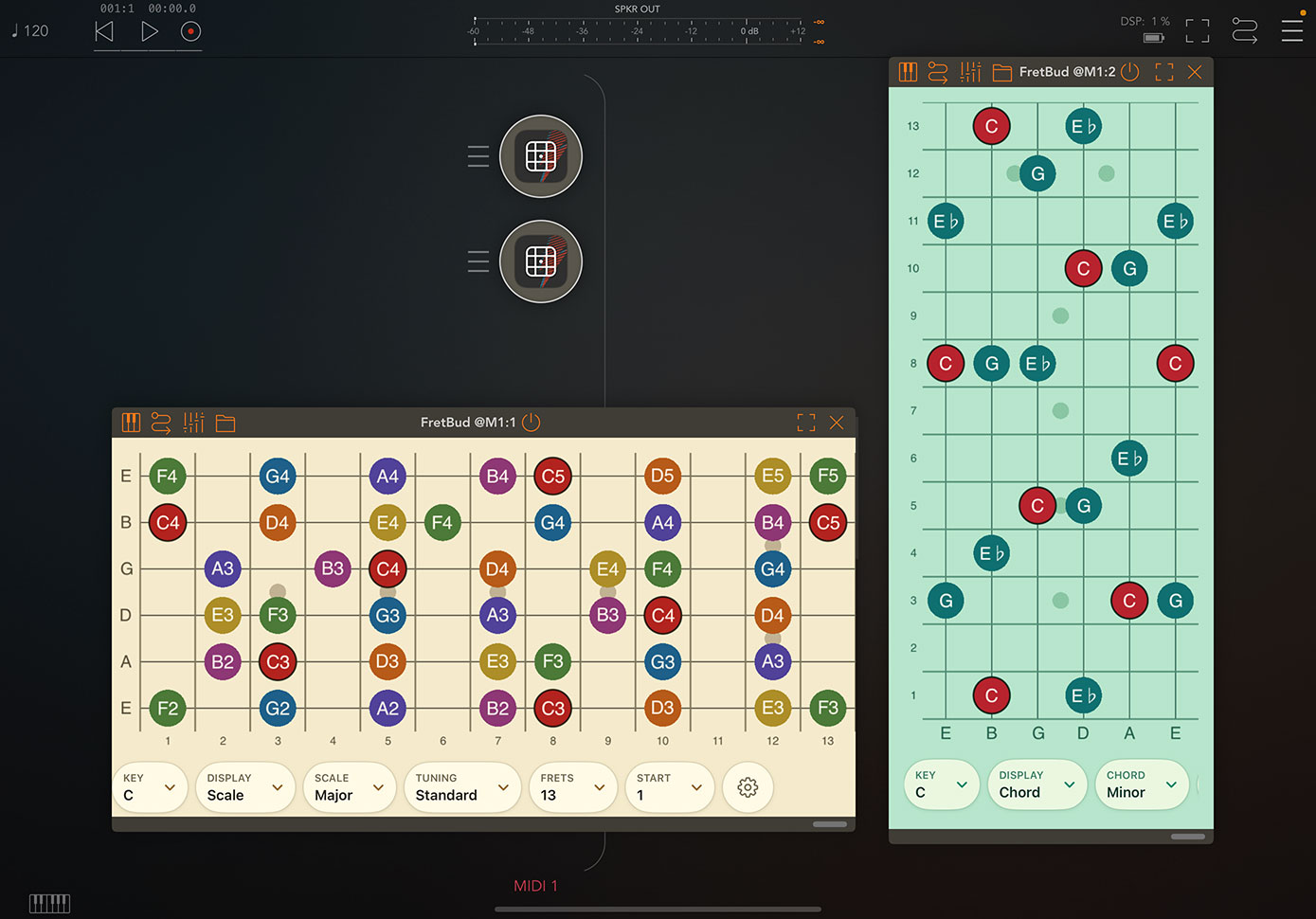
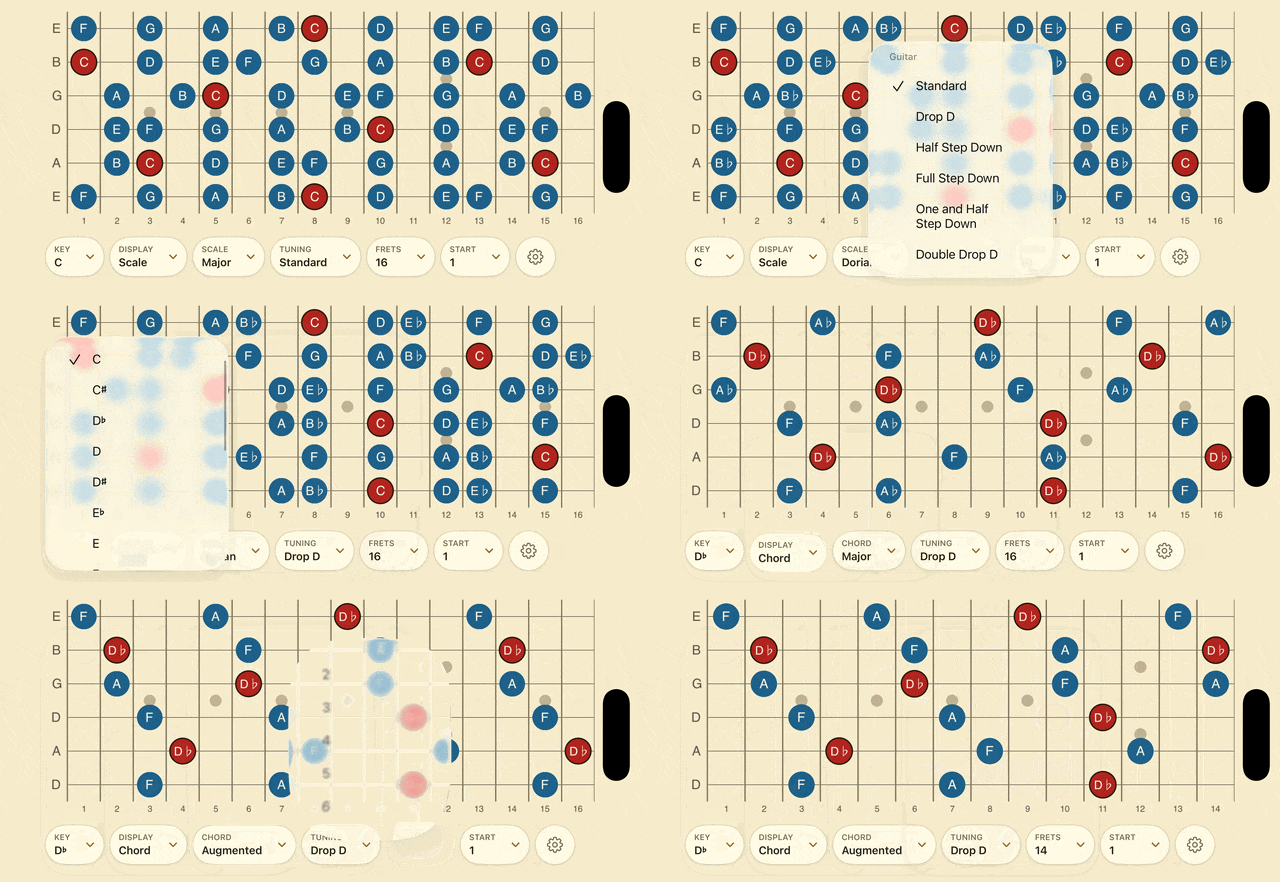
See notes, scales, and chords on a clean fretboard.
Change key, scale, chord, tuning, or fret range instantly.
Use it while practicing, writing, teaching, or learning.
Switch labels and colors to read the neck your way.
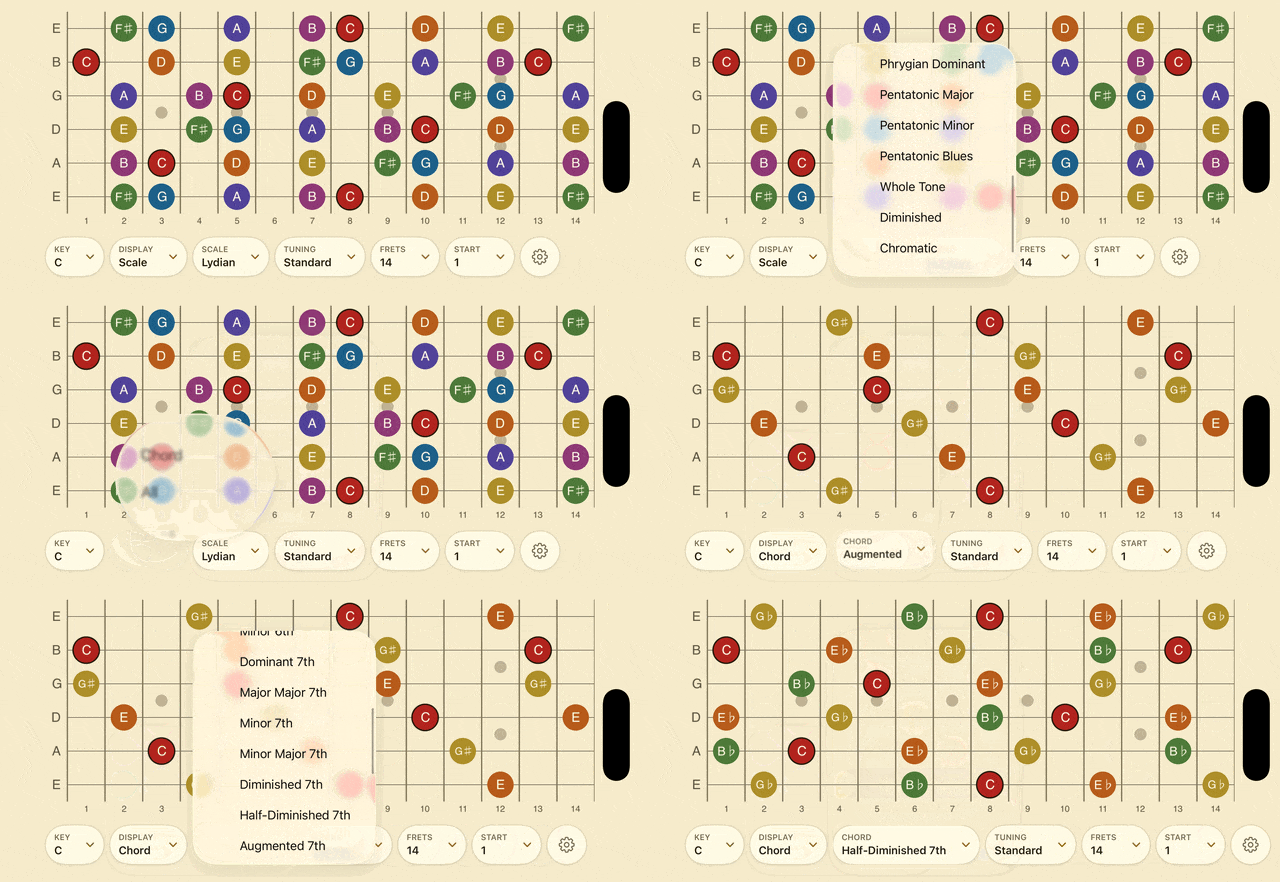
Scales and Chords
Browse scales, modes, chords, and chromatic notes.
Use sharp or flat keys when they make more sense.
Show roots, degrees, intervals, or note names.
Move faster than flipping through charts.
Guitar, Bass, and Ukulele
Use the same view for guitar, bass, and ukulele.
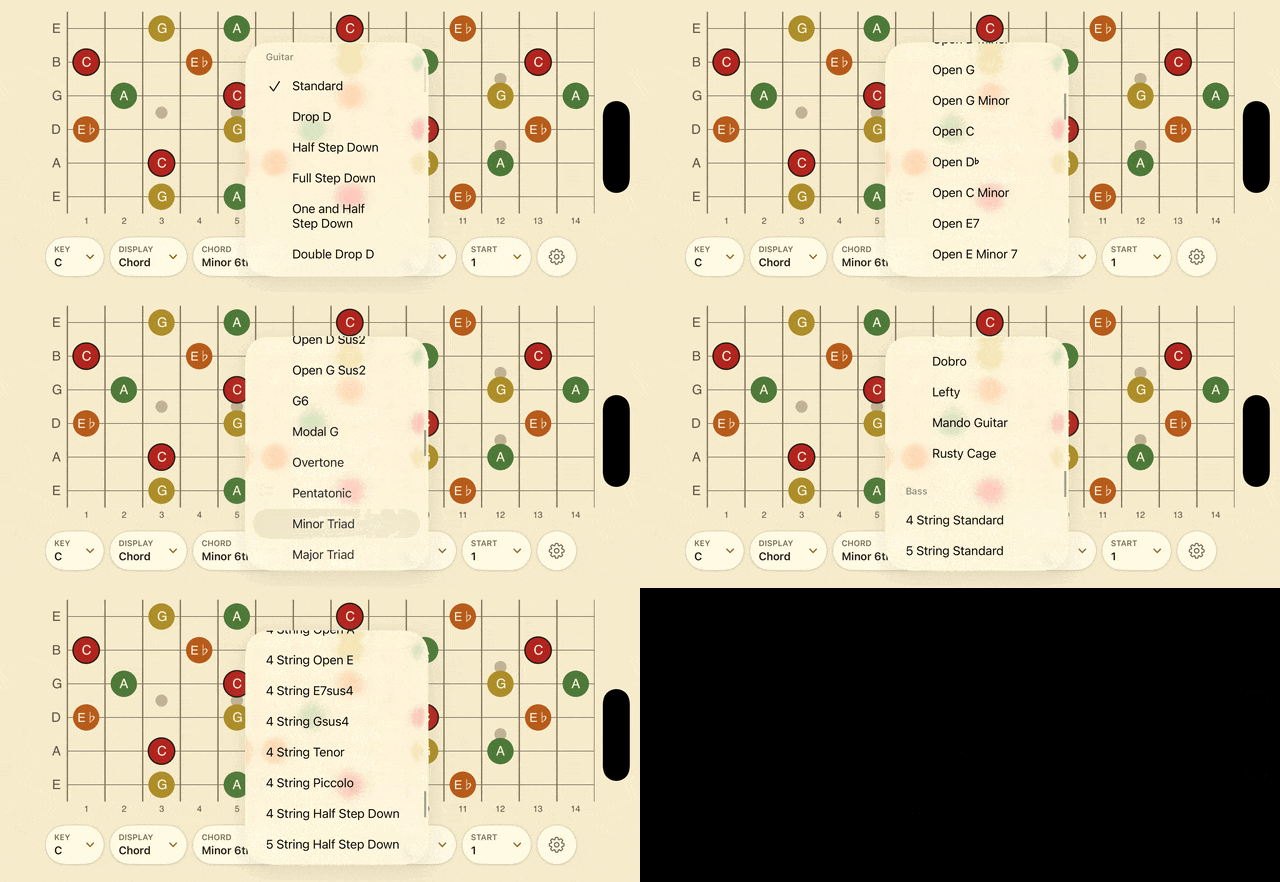
Choose standard, alternate, and extended tunings.
Tuning changes update every note automatically.
Compare ideas across instruments quickly.
Playable MIDI Keyboard
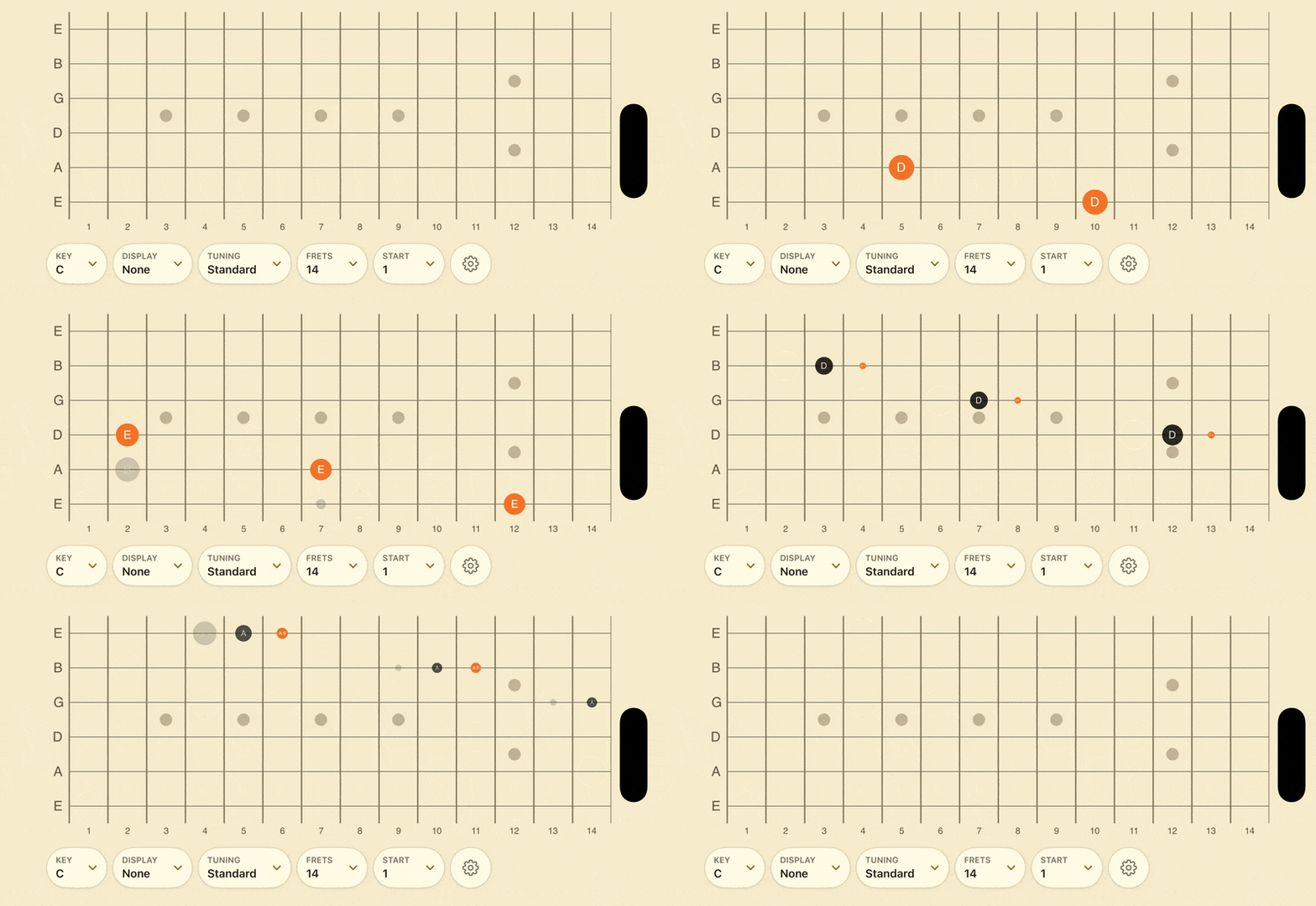
Tap the fretboard to hear notes immediately.
Play from neck shapes instead of piano keys.
Use the built-in sound or send MIDI elsewhere.
See incoming notes light up on the neck.
Works Across Setups
Use FretBud on iPhone or iPad.
Open it inside compatible music hosts.
Make quick changes from Apple Watch.
Find setup details in the user manual.