Rotating Plates and Stereo Mics
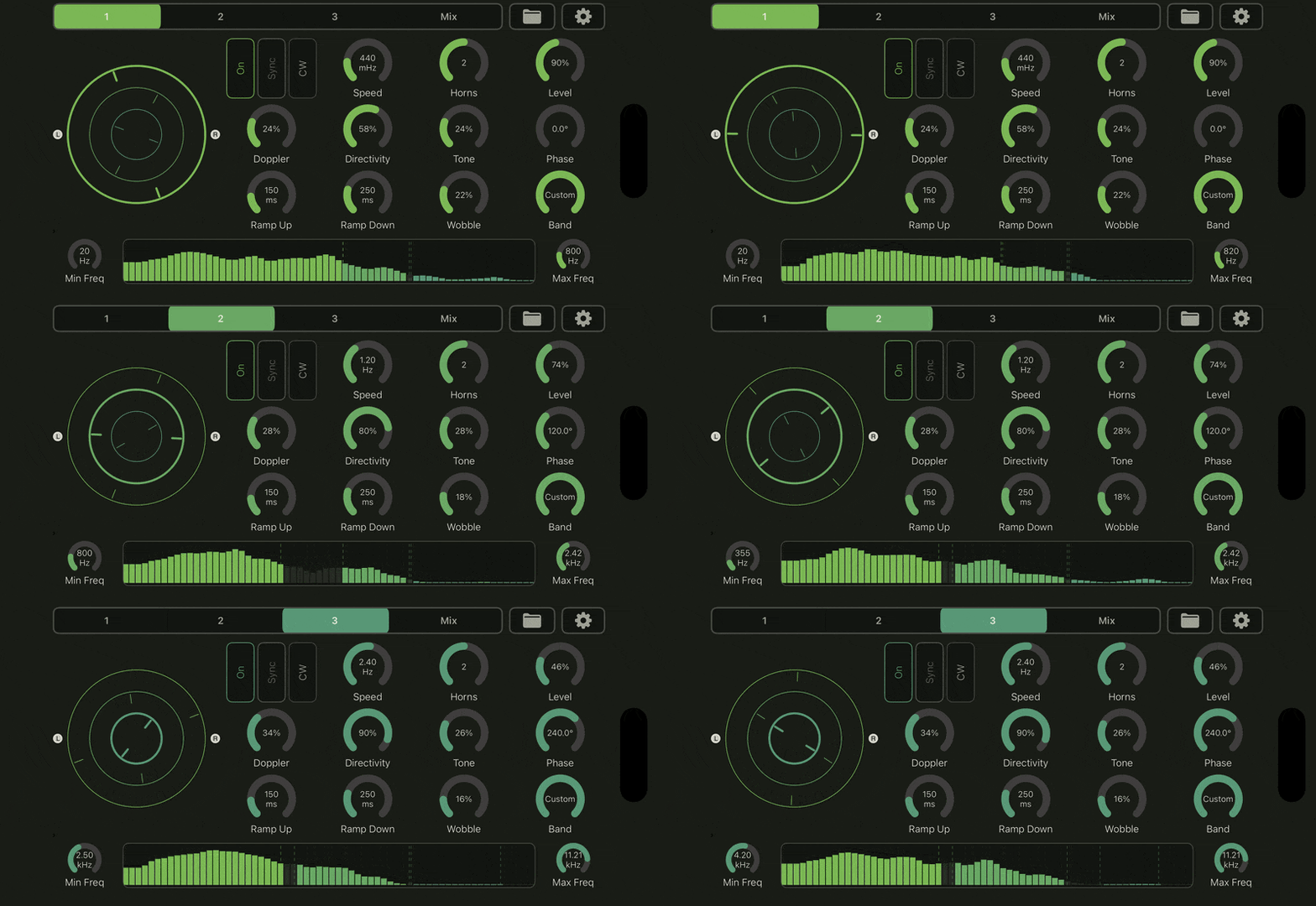
Place your sound inside a rotary scene with up to 3 moving speaker plates.
Add 1, 2, or 3 horns to each plate for focused or denser motion.
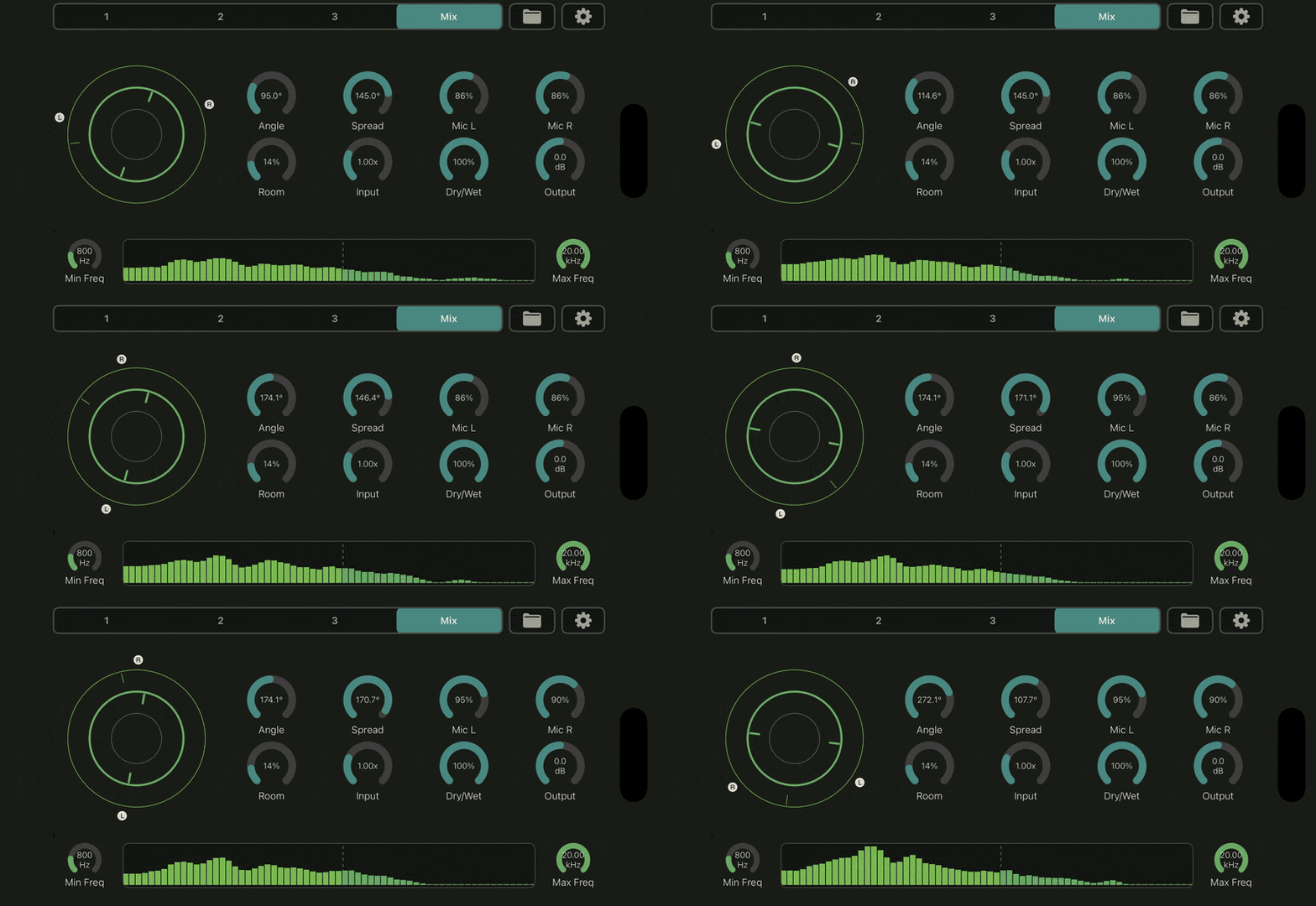
Shape width with a fixed stereo mic rig around the rotating plates.
Adjust mic angle, spread, and left/right distance from the Mix page.
Blend the moving wet signal with your original stereo input.
Three Independent Rotary Layers
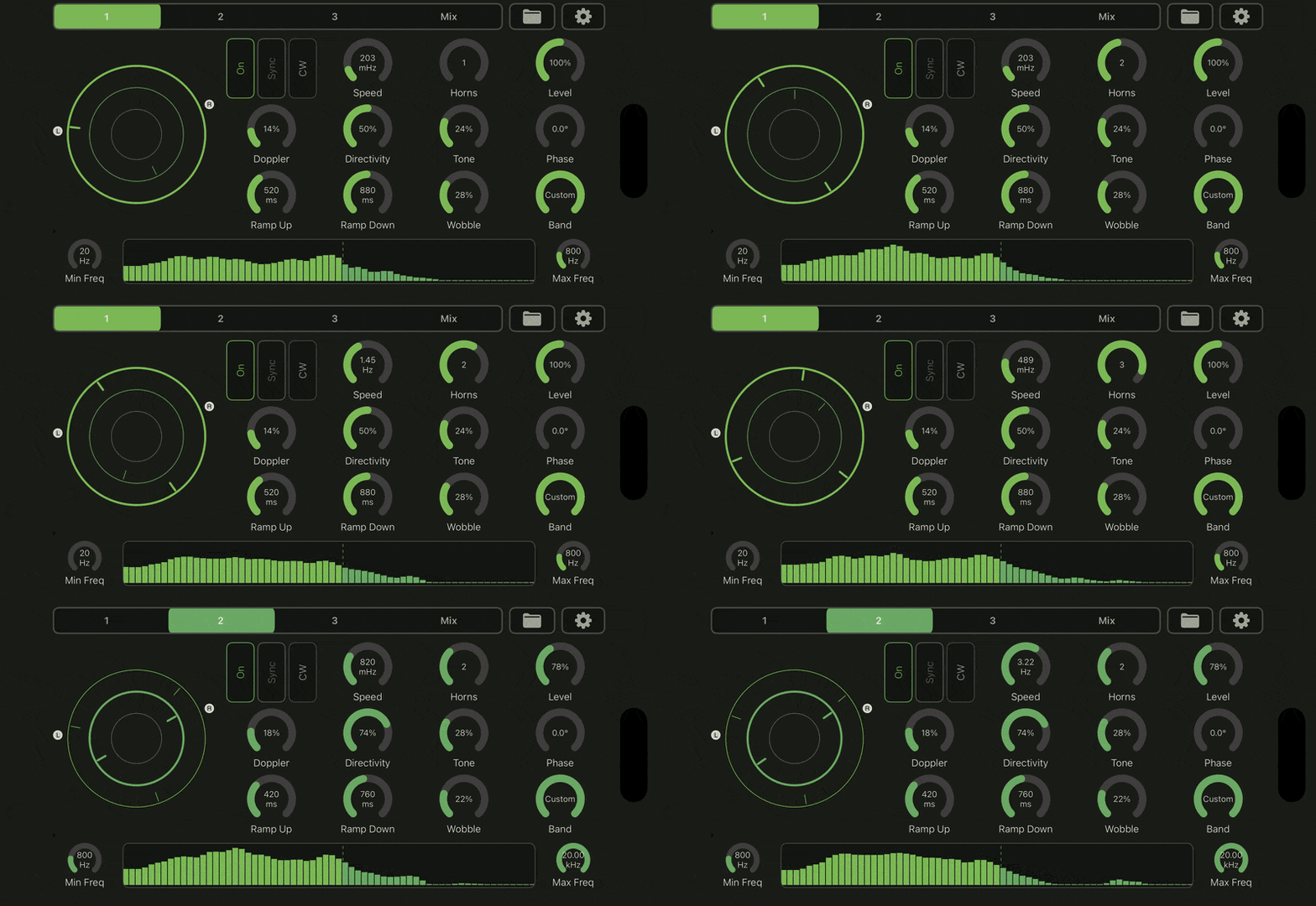
Enable one plate for simple rotary movement, or layer all 3 plates together.
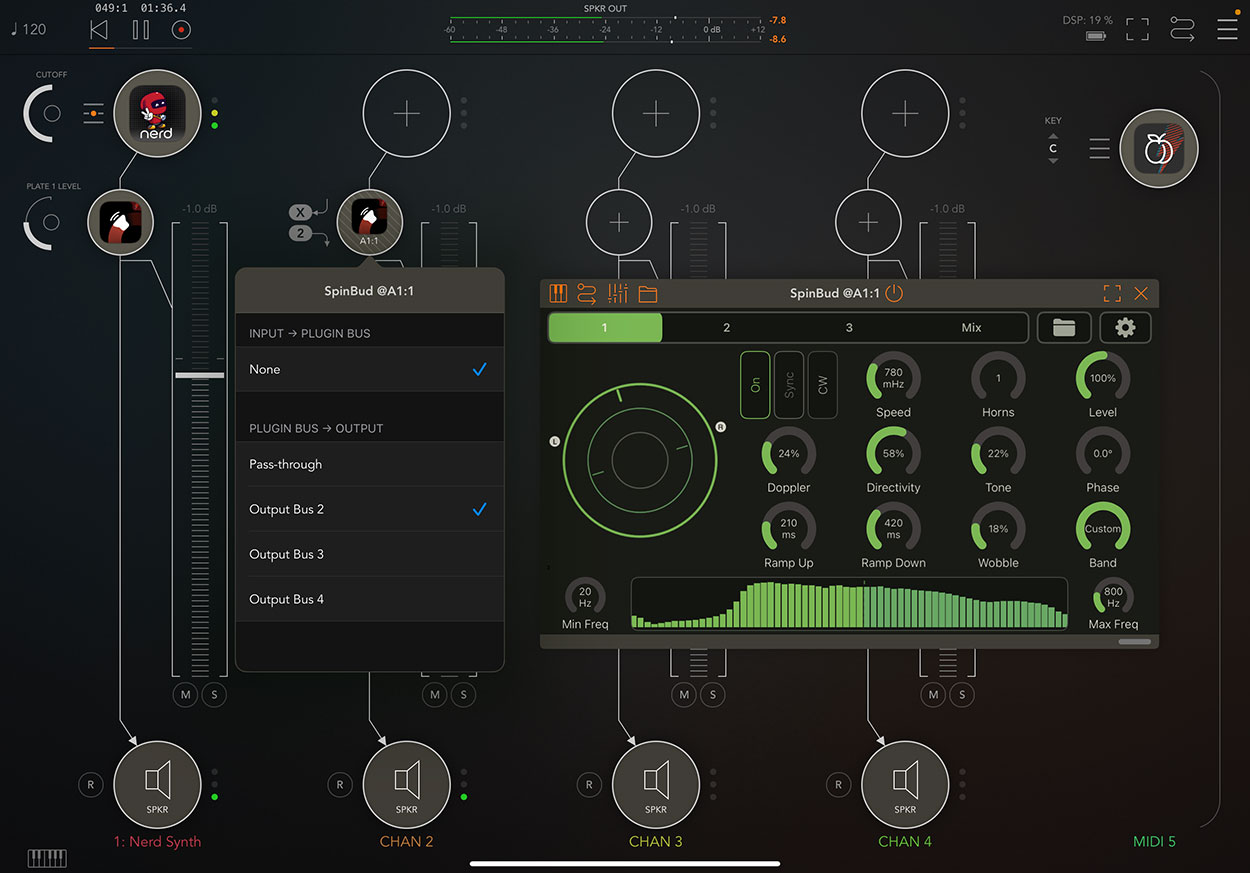
Give each plate its own speed, direction, horn count, level, phase, and band range.
Route lows, mids, and highs to different plates for split-band motion.
Use the spectrum view to see activity while setting each plate's frequency range.
Overlap bands when you want thicker movement and more interaction between layers.
Motion That Can Lock to the Track
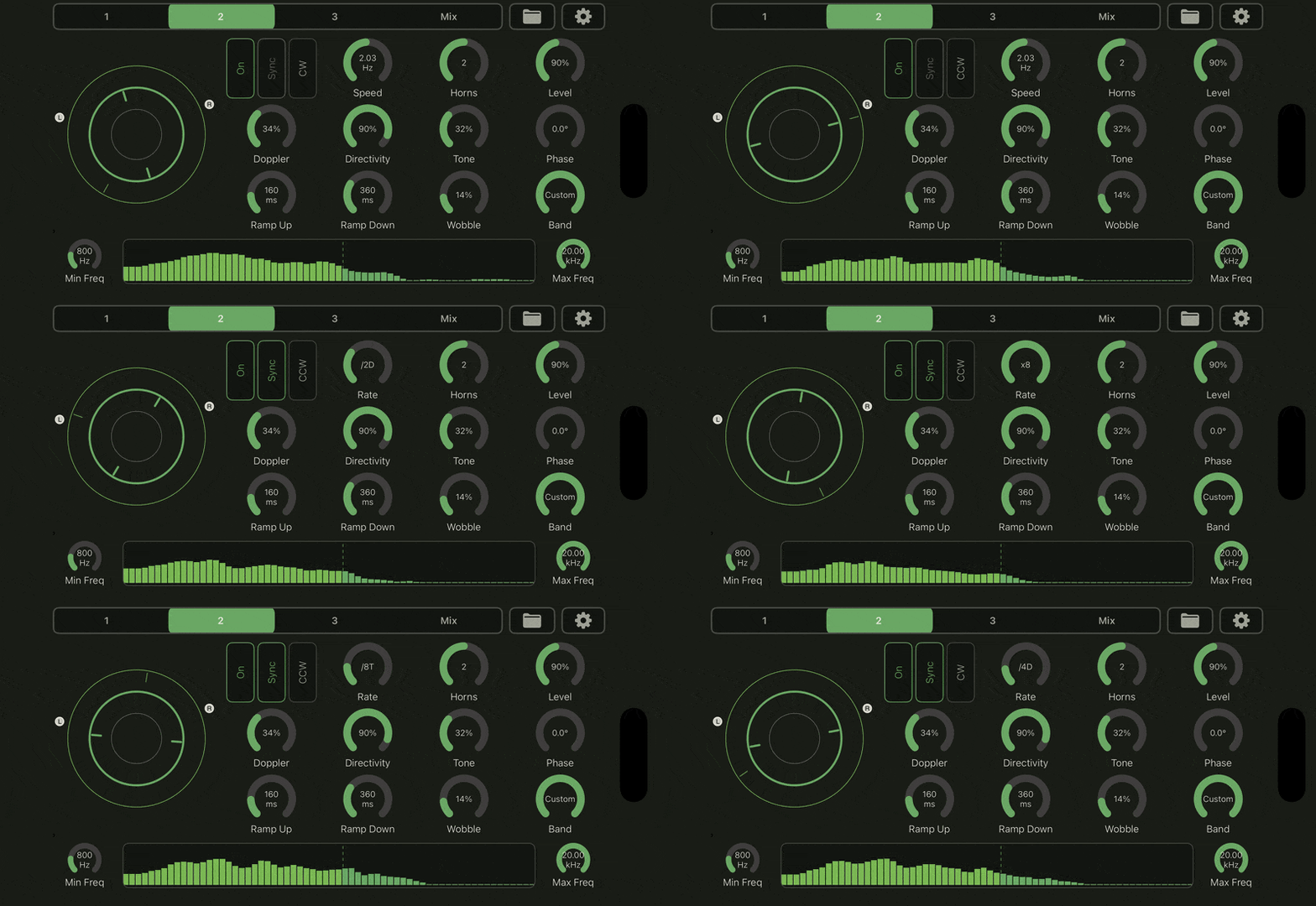
Set plate speed freely in Hz for cabinet-style rotation and loose sound design.
Turn on Sync to choose beat-based rotation rates from the host tempo.
Use different synced rates per plate to make related low, mid, and high movement.
Shape acceleration and slowdown with separate Ramp Up and Ramp Down controls.
Drag a plate directly in the visualizer to throw it into a temporary spin.
Rotary Tone Controls
Add Doppler motion for pitch movement as horns approach and move away.
Use Directivity to make each horn wider, narrower, softer, or more obvious.
Raise Tone to darken the sound as horns rotate away from the microphones.
Add Wobble for slight motor drift, woozy movement, or broken-speaker behavior.
Use Drive and Room to add input push and a small cabinet-style wet space.
Standalone, MIDI, Presets, and AUv3
Use SpinBud as a standalone app or load it as an AUv3 effect in compatible iOS hosts.
Start from factory presets for chorale, tremolo, brake, chorus, wide, wobble, and lo-fi rotary sounds.
Save your own presets for project setups, favorite cabinet tones, and host-routing templates.
Use MIDI note input in the standalone app to flick Plate 1, Plate 2, or Plate 3.
Route separate wet stereo stems for Plate 1, Plate 2, and Plate 3 in hosts that support AUv3 multi-out.